Pika released H3 Flex on October 29, 2026: a post-trained MiniMax H3 that generates video and synchronized audio in six sampling steps. The practical question is which adapter, base model and sampler belong together. A small LoRA download does not replace the H3 system around it.
This guide follows the official ComfyUI tutorial, checked November 3. It is a documentation-based setup guide; AniKuku has not benchmarked these weights or verified a render on consumer hardware.
Check the license before downloading
The weights use the MiniMax H3 Community License, whose defined territory excludes the US, EU, UK and Republic of Korea. The agreement directs interested users in excluded territories to contact MiniMax about a license. Download access is not evidence of permission to deploy. The separate Apache-2.0 code license does not grant the same terms for weights.
Pick a task, then its matching adapter
| Your input | Official template | Adapter and matching H3 base |
|---|---|---|
| A text prompt | Text to Video | FL2VA |
| First frame, last frame, or both | First and Last Frame | FL2VA |
| Character images, motion video or audio references | Reference to Video | Ref2VA |
Open Template Library → Video. The text-to-video template requires ComfyUI 0.43.2+; reference and first/last-frame templates list 0.30.0+. Use an up-to-date compatible installation and the template's model links. Ref2VA requires a visual reference; audio alone is not a substitute.
Put the files in the right folders
The following names belong to the Comfy tutorial's repack. The base components are shared with existing MiniMax H3 workflows; the two Flex adapters are additions.
models/diffusion_models/
  minimax_h3_fl2va_pruned_int8_convrot.safetensors
  minimax_h3_ref2va_pruned_int8_convrot.safetensors
models/loras/
  pika_h3_flex_fl2va_v1_bf16.safetensors
  pika_h3_flex_ref2va_v1_bf16.safetensors
models/text_encoders/
  qwen3vl_32b_minimax_h3_nvfp4_awq.safetensors
models/vae/
  minimax_h3_video_vae_int8_convrot.safetensors
  minimax_h3_audio_vae_fp32.safetensors
Pika's separate Comfy export uses names ending in _comfy_bf16.safetensors. Its BF16 files target the native Comfy integration; the original Pika inference package uses separate FP32 adapters. Match the loader selection to the downloaded file and task. Do not place a Comfy export over an original inference-package adapter just because both are LoRAs. Pika's export notes validate tensor conversion, rather than an end-to-end Comfy render.
Keep the whole six-step sampling setup
| Setting | Official template configuration |
|---|---|
| LoRA loader | LoraLoaderModelOnly, model strength 1.0 |
| Sampler | lcm |
| Schedule | ManualSigmas; preserve the supplied list |
| Guidance | BasicGuider, CFG 1.0 |
| Extra acceleration LoRAs | Do not stack Turbo or Lightning adapters |
Reducing an ordinary H3 workflow to six steps does not reproduce Flex. Pika explicitly distinguishes its trained schedule from generic six-step Euler sampling. Start with the supplied template before modifying nodes, resolution or reference wiring.
What runs locally, and what needs Pika hosting?
The model card specifies native 480p/768p, 24 fps and mixed stereo audio for local inference. Requested duration is 5–15 seconds; output follows the model's frame grid. Higher-resolution finishing at 1080p/2K/4K, separate audio stems and prompt enhancement are hosted API extensions, not features included in a downloaded adapter.
For Ref2VA, the caps are nine images, three videos and three standalone audio clips, with 12 files total, not 15. Video/audio clips must each be 2–15 seconds; each type's combined duration is at most 15 seconds. These accepted limits do not guarantee that a maximum-size request fits your GPU. Check the published hardware notes for the exact inference route; neither adapter size nor advertised transformer timing establishes your end-to-end latency.
A short animation test plan
For a teaching example, prepare one approved character image and a five-second shot: the character raises a lantern, looks toward a platform and stops. This is an untested planning example. Choose FL2VA for a prescribed starting frame, or Ref2VA to carry the character reference into a new composition. Change one input at a time and review face, costume, hand/prop contact, camera endpoint and audio together.
Pika's prompt guidance asks for scene descriptions in English while keeping dialogue and visible text in their intended language. Preserve reference order and labels; do not assume this guarantees identity across an episode.
| Symptom | First thing to check |
|---|---|
| Model missing from loader | Folder, actual filename and template selection; refresh after installation |
| Unexpected output after adapting an old H3 graph | Matching FL2VA/Ref2VA base and adapter, guidance and complete sigma schedule |
| Out of memory despite a small LoRA | Base model, encoder, VAEs, reference size and offload settings |
| No isolated dialogue/music tracks | Local output is a mix; evaluate the separate hosted stems service |
For the broader model family, see our MiniMax H3 guide. The RTX 5090 streaming experiment uses a different optimization stack; its hardware results do not transfer to Flex. For hosted fal pricing, use the separate H3 Max Turbo guide.
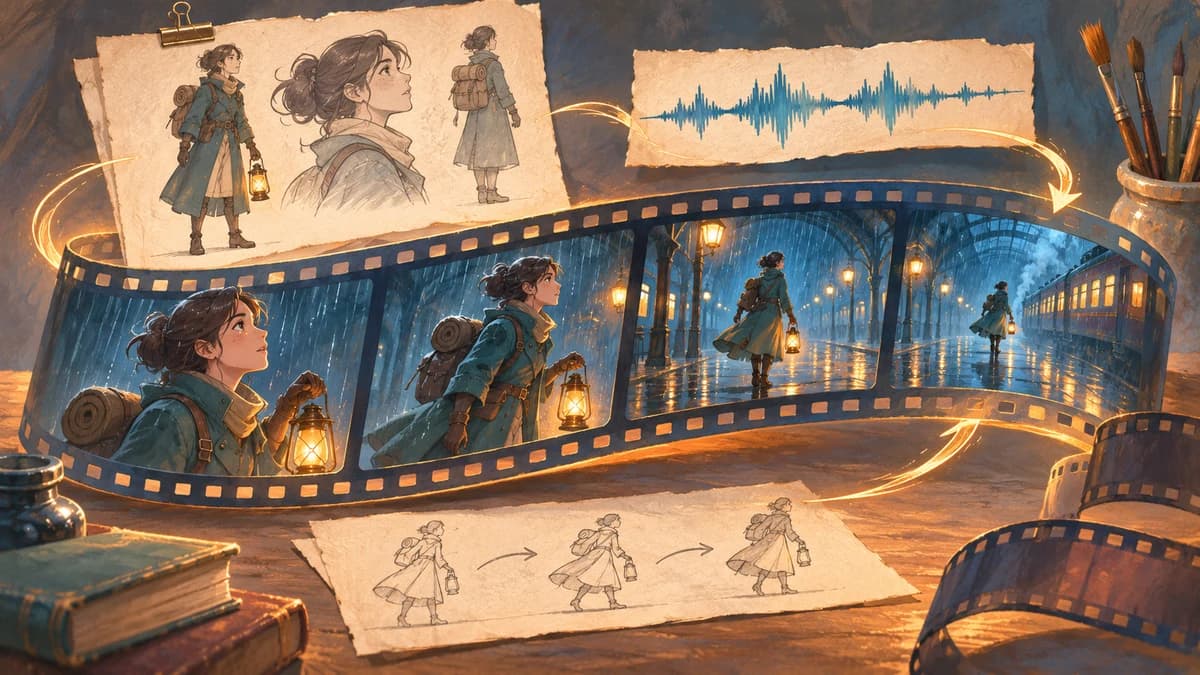
The cover is original concept art, not output from Pika H3 Flex. This tutorial does not announce an AniKuku integration.